STEP 01
Set the duration
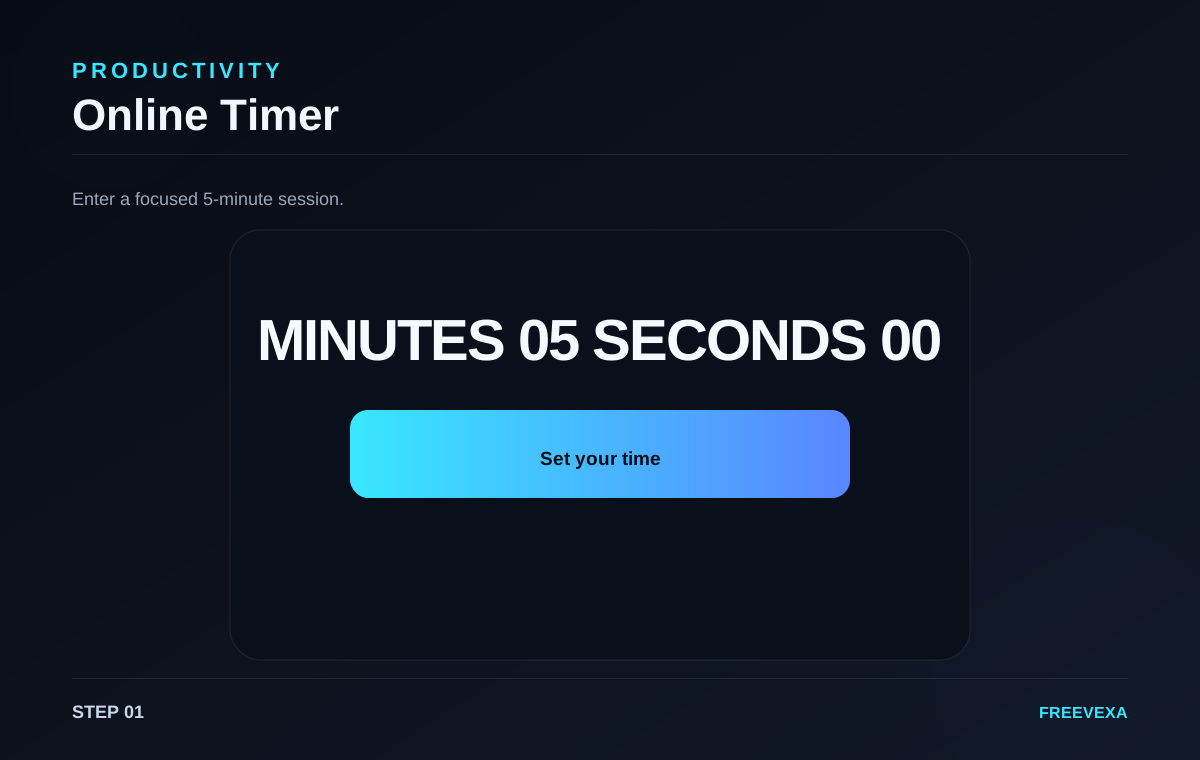
Enter minutes and seconds for the timer.
Set a focused timer for study, work, workouts and everyday tasks directly in your browser.
Online Timer is designed for a focused browser workflow. The main controls stay together so you can move from input to result without unnecessary screens. The exact process depends on the job: some tools ask for numbers, some use files or images, and others measure activity in the browser. Use the steps below as a practical guide and check the final result before you save, share, print or publish it.
Enter minutes and seconds for the timer.
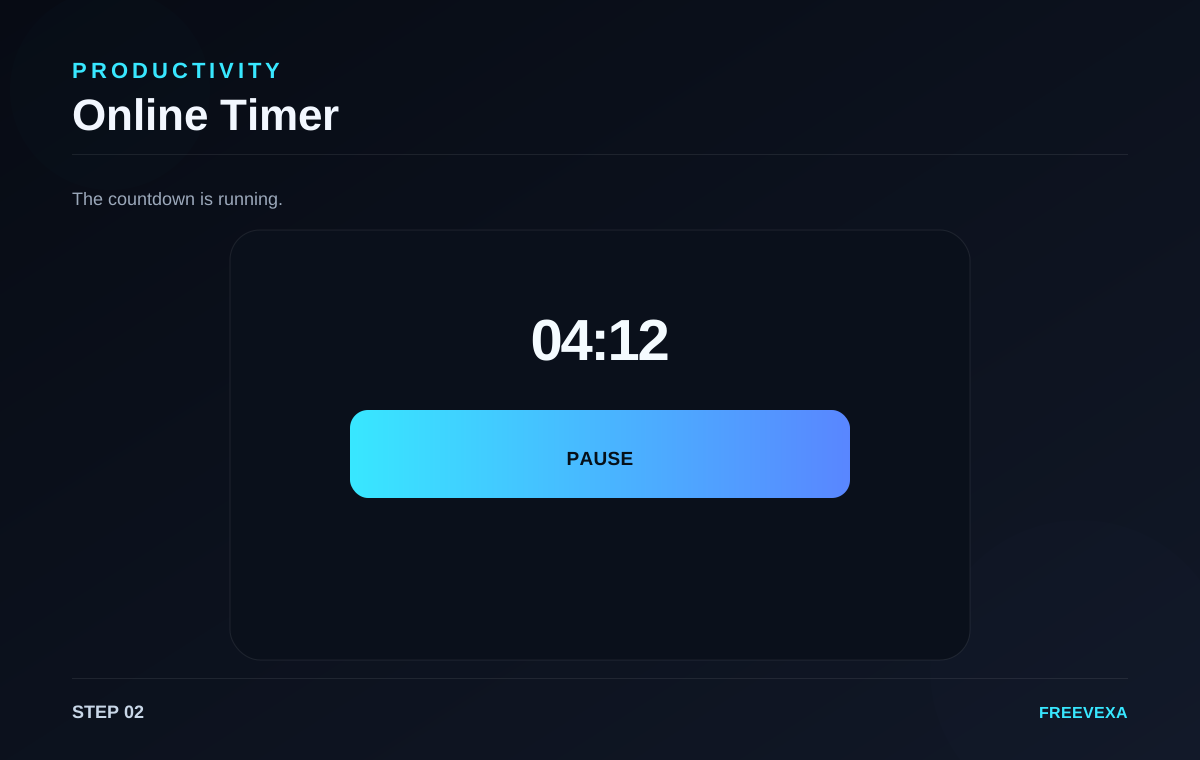
Start the timer and pause anytime without losing your progress.
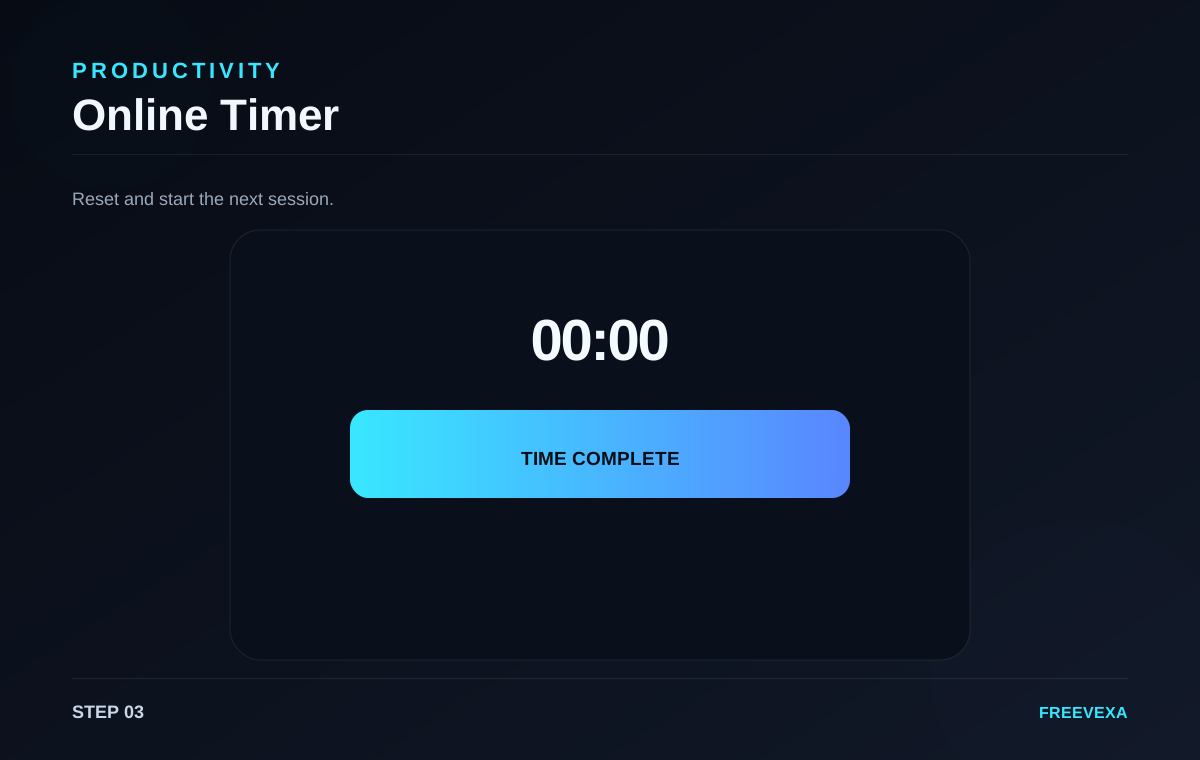
Watch the countdown reach zero and reset it for another task.
Step 1. Enter the number of minutes and seconds you want to count down. Keep the duration simple enough to match the task you are planning.
Step 2. Select Start Timer. The display immediately begins counting down. Use Pause when you need to stop temporarily, then select Resume to continue from the same point.
Step 3. When the timer reaches zero, the page shows a finished state and gives you a clear reset path. Reset brings the timer back to the original values so you can run the same session again.
Useful tips. Use short blocks for focused work, practice sessions or breaks. Because the timer runs in the browser, keeping the tab open is recommended for reliable alerts and visual updates. Check your input before the final action, especially for dates, prices, file selections, tax rates, network tests and text. Repeating the process with the same settings can help you compare results more consistently.
Why use Freevexa? Freevexa keeps the timer simple: no account, no signup wall and no unnecessary setup. The controls stay on one screen so you can set a duration and begin quickly. Across the tool collection, Freevexa keeps the interface consistent, puts the main action in a visible place and avoids forcing a separate account step for basic utilities. The goal is to make a useful result easy to reach while keeping each page focused on the task.
Best way to use the tool. Start with the smallest complete input, run the tool once, read the result, and then repeat only when you need a different scenario. This keeps the workflow clean and makes it easier to spot an incorrect value. For recurring tasks, save a copy of the final output when the information matters outside the browser.
What to check before using the result. Review the output before relying on it. File and image tools can depend on browser capabilities; network tools send test traffic to their measurement endpoint; and creative tools still require you to use content you have the right to use. Freevexa is a practical utility layer, not a replacement for official records, accounting systems, professional advice or certified measurement equipment.
Inputs, main action and result are kept together so the next step is easy to find.
Basic processing happens in the page. Features that need a network measurement or external library are clearly stated on the tool.
A consistent dark interface, responsive controls and direct result actions make the tool easy to reuse.