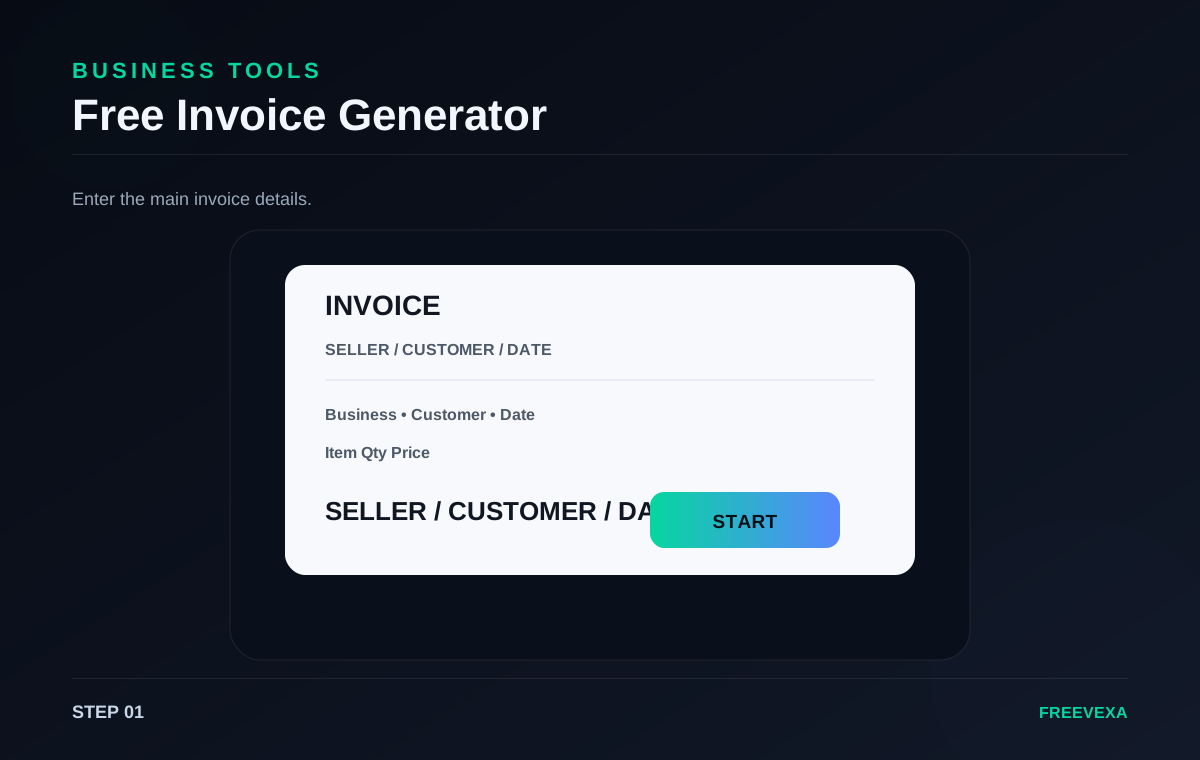
STEP 01
Fill in the invoice
Add seller, customer and invoice information.
Make a free professional-looking invoice online with simple business and payment details.
Free Invoice Generator is designed for a focused browser workflow. The main controls stay together so you can move from input to result without unnecessary screens. The exact process depends on the job: some tools ask for numbers, some use files or images, and others measure activity in the browser. Use the steps below as a practical guide and check the final result before you save, share, print or publish it.
Add seller, customer and invoice information.
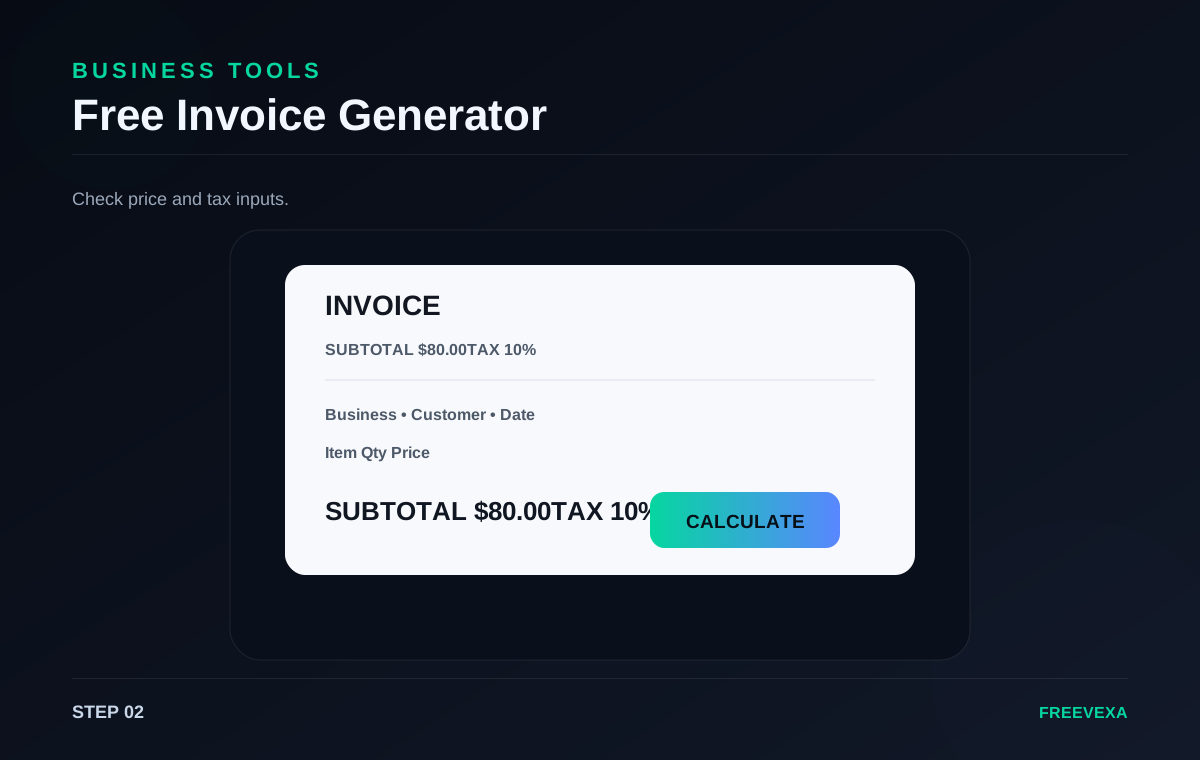
Add the item, quantity, price and tax details.
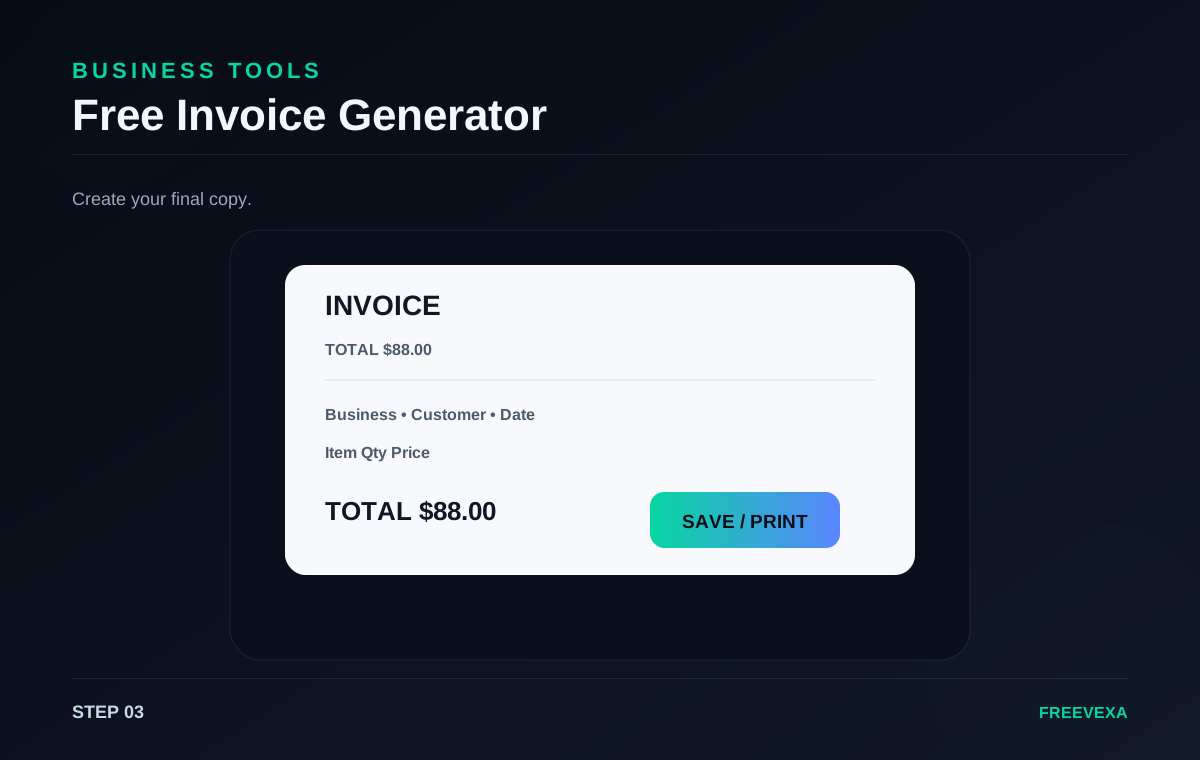
Check the total, then use your browser to print or save it.
Step 1. Fill in the seller and customer details first. Add an invoice number and date so the document is easy to identify later.
Step 2. Enter the item description, quantity, unit price and tax percentage. The page calculates the subtotal, tax amount and final total automatically.
Step 3. Review every field in the preview before saving. Confirm that the client name, item description and amounts match the transaction you intend to document.
Step 4. Use the browser print dialog to print the invoice or choose a PDF destination to save a digital copy. This method works without a separate file-export server.
Step 5. For recurring billing, keep your own invoice records outside the browser. Freevexa helps create the document but does not replace accounting software.
Useful tips. Use consistent invoice numbers and dates, and double-check tax settings for your location. The calculator helps with arithmetic, while your business records remain your responsibility. Check your input before the final action, especially for dates, prices, file selections, tax rates, network tests and text. Repeating the process with the same settings can help you compare results more consistently.
Why use Freevexa? Freevexa focuses on a quick, free invoice workflow. You can enter the details, preview the result and use the browser's built-in print tools without creating an account. Across the tool collection, Freevexa keeps the interface consistent, puts the main action in a visible place and avoids forcing a separate account step for basic utilities. The goal is to make a useful result easy to reach while keeping each page focused on the task.
Best way to use the tool. Start with the smallest complete input, run the tool once, read the result, and then repeat only when you need a different scenario. This keeps the workflow clean and makes it easier to spot an incorrect value. For recurring tasks, save a copy of the final output when the information matters outside the browser.
What to check before using the result. Review the output before relying on it. File and image tools can depend on browser capabilities; network tools send test traffic to their measurement endpoint; and creative tools still require you to use content you have the right to use. Freevexa is a practical utility layer, not a replacement for official records, accounting systems, professional advice or certified measurement equipment.
Inputs, main action and result are kept together so the next step is easy to find.
Basic processing happens in the page. Features that need a network measurement or external library are clearly stated on the tool.
A consistent dark interface, responsive controls and direct result actions make the tool easy to reuse.